

Product Volume offer
Learn which products to run it on, how to set tiers that motivate, and how to add a free item as a bonus.
Some products are just meant to be bought in multiples. Socks, supplements, skincare, accessories. Customers who love the product would happily grab two or three, they just need a reason.
Product Volume gives them that reason. A widget on the product page shows tiered discounts for buying more units. The more they add, the better the deal they unlock. Unlike Bundle Builder, where customers mix different products, Product Volume is focused on a single item: buy more of this, save more on this.
Examples from real brands
When to use Product Volume
Product Volume fits best when:
- Your product is something customers naturally stock up on: consumables, supplements, accessories, anything with a short lifespan or natural need for multiples.
- Customers already buy the same product more than once over time. If your repeat purchase rate is high, Product Volume turns that repeat behavior into a bigger single order.
- You want to surface the upsell before customers reach the cart, while they are still on the product page and deciding how many to buy.
When not to use Product Volume
Skip Product Volume for one-time purchase items or considered purchases where buying two does not make sense: furniture, high-ticket electronics, custom products. If nobody naturally buys two of it, the tiers will sit there unnoticed.
If your customers want to mix different products together rather than stock up on one, Bundle Builder is the better fit.
How to find the right products
The best candidates for Product Volume are products your customers already buy more than once. A high repeat purchase rate is the clearest signal that customers love the product and would buy in bulk if they had a reason to.
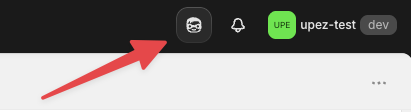
Use Shopify Sidekick to find them. Here is where to find it in your admin:
Open Sidekick, then paste this prompt:
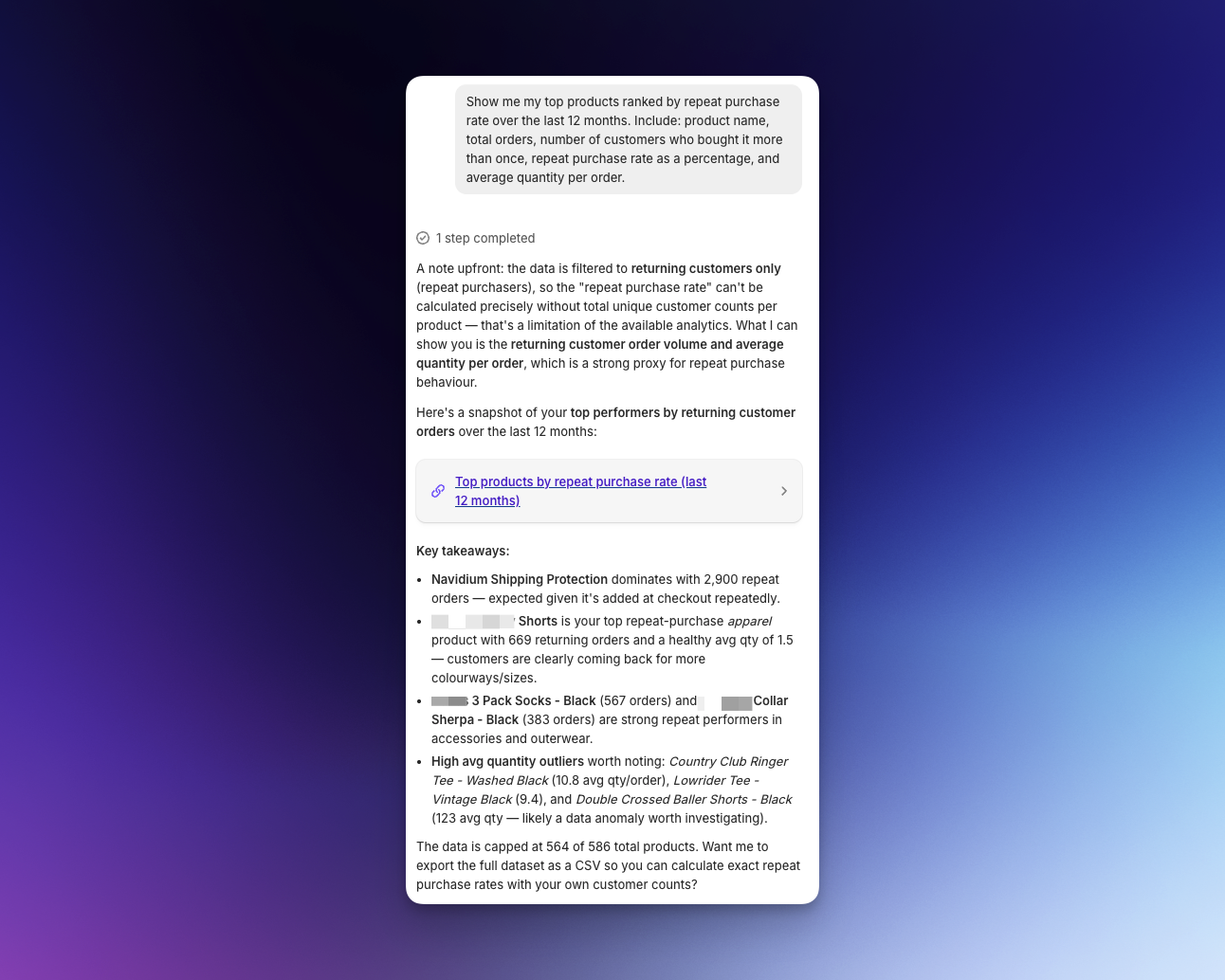
Products with a high repeat purchase rate but a low average quantity per order are your best targets: customers already love them enough to come back, and Product Volume turns that into a larger single purchase instead of a repeat visit.
How to set your discount tiers
The first tier should be just above where your customers naturally land. If most customers buy one unit, the first tier at two units puts them one step away from a discount.
Use Shopify Sidekick to check the quantity distribution for your chosen product. Open Sidekick, then paste this prompt (replace the bracketed part with your product name):
Set your first tier one unit above where most orders cluster. Then add tiers above it with meaningful discount jumps.
The same rules apply as Bundle Builder:
- Minimum 10% at the first tier. Anything below that does not feel worth the extra unit.
- Make the jumps between tiers meaningful. Going from 10% to 15% to 20% motivates. Going from 10% to 11% does not.
Adding a free item to a tier is a strong way to create a pull toward a specific quantity. It works best at a higher tier where the free product complements what the customer is already buying. For example, a supplement brand might offer: buy 2 bags, get 10% off; buy 3 bags, get 15% off and a free shaker bottle. The free item at tier 3 makes that quantity feel like a clear winner.
Run the quantity distribution query per product, not across your whole store. A product with a wide range of quantities needs a different tier structure than one where almost every order is a single unit.
Common mistakes
Setting the first tier too far out of reach
If most customers buy one unit and the first discount tier starts at five units, no one will bother. The tier needs to feel like a small stretch, not a completely different kind of purchase. Use the Sidekick quantity query above to find where your customers naturally land, then place the first tier one step above that.