

Most upsells fail because of one decision. Here's how to get it right.
Paste a Sidekick prompt. Pull answers from your orders. Publish in Upnova.
Not the design. Not the timing. Not the app. The offer itself is what matters: wrong product, wrong threshold, wrong discount. That is what kills upsells.
The hidden cost of a bad upsell
A wrong upsell does not only fall flat. It can cost you money.
Set a free gift at $60 when most carts stop near $55? You may give gifts on orders you would have gotten anyway. Set it at $100 when carts usually sit near $45? Almost nobody qualifies, the offer sits unused, and shoppers learn to ignore it.
Many merchants pick numbers by gut feel, or by copying another store. That is not a plan. It is a gamble with margin.
The decision is the hard part
You need to know how order sizes spread, what people buy together, and where your sales really pile up. If you do not know that, you are guessing.
That used to mean spreadsheets, exports, or hiring help, and the answer was often out of date a month later. Many shops skipped all of it and typed a round number into the app. Even good stores end up with offers that sound fine and still miss.
Shopify Sidekick is the AI assistant in your admin. Each Upnova playbook includes copy-paste prompts for that offer type. You ask in normal words; Sidekick looks at your store and suggests starting points for thresholds, products, and discounts. You do not need a full reporting setup on the side.
You pick the final numbers. Put them in Upnova and publish.
How it works
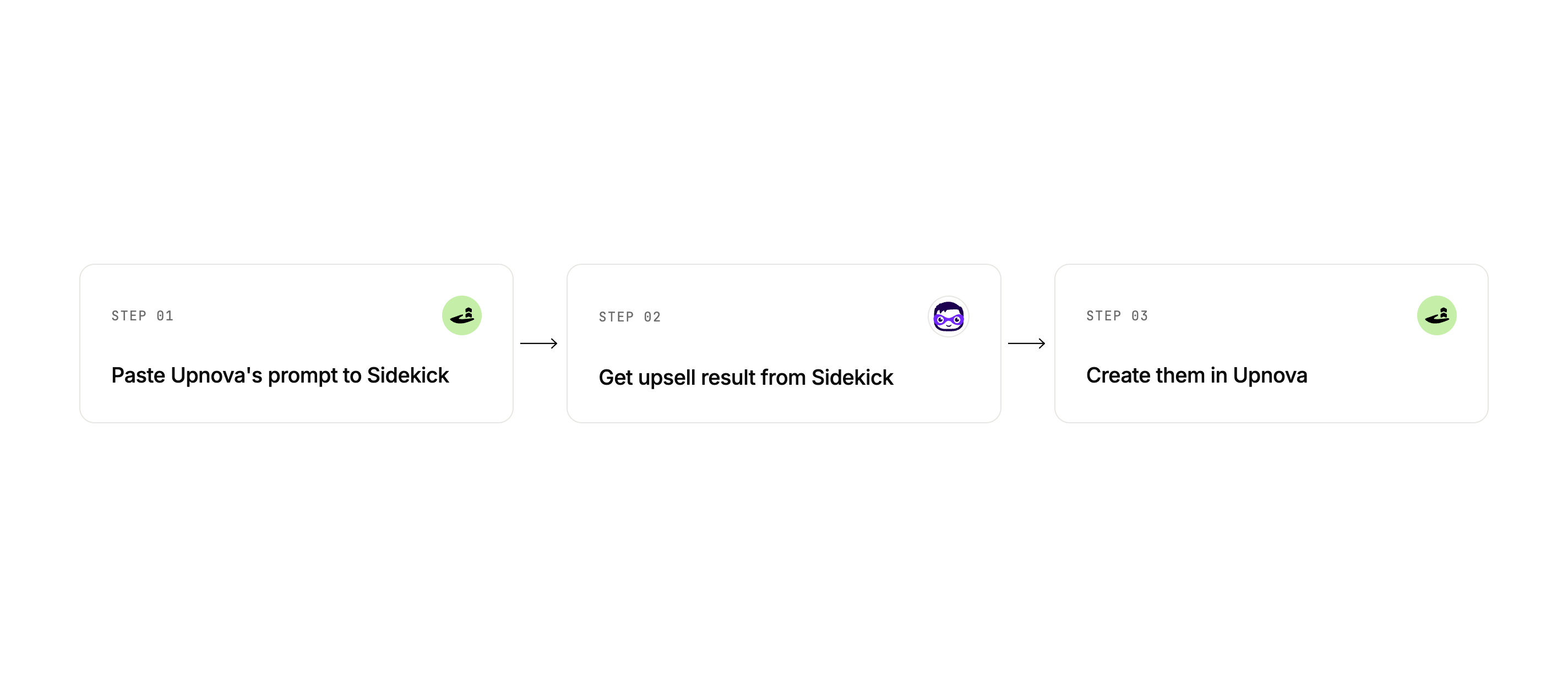
- Paste Upnova’s prompt into Shopify Sidekick.
- Use Sidekick’s answer for your thresholds, products, and discounts.
- Create the offer in Upnova and publish.
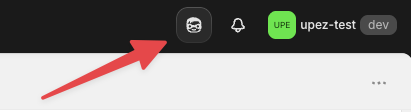
Open Shopify admin, then click the Sidekick icon in the top bar (the AI assistant, beside the notification bell). Here is where it sits in the header:
Many merchants get a first offer live in under fifteen minutes once the numbers are clear.
Here is a real example from the Order Volume playbook:
Sidekick reads how your orders spread and suggests tiers that match where carts actually land. No spreadsheet required.
Five offer types. Pick the one that fits.
Each playbook includes the Sidekick prompt, when the offer type tends to work, and how to set it up in Upnova.
- Free Gift: free product after a spend bar. A strong first pick when you want higher average order value.
- Order Volume: bigger cart, bigger percent off. Good when you want to reward large baskets.
- Product Volume: buy more of the same item, get a better price. Good for repeat buys and staples.
- Buy X Get Y: add another product at a discount when the main item is in the cart. Good for items that go well together.
- Bundle Builder: shoppers build their own bundle for a better deal as the bundle grows. Good for kits and mix-and-match ranges.
If you are unsure where to start, try the Free Gift playbook first.